Director background & Message

- Do any Course with Master Concept, We assure you.
- We provide every day class video lecture via website for registered students
- Every day class is taken by the Director of Institute
- 25 Years of Teaching Experience
- Studied from B.H.U.
- Return from Engineering colleges
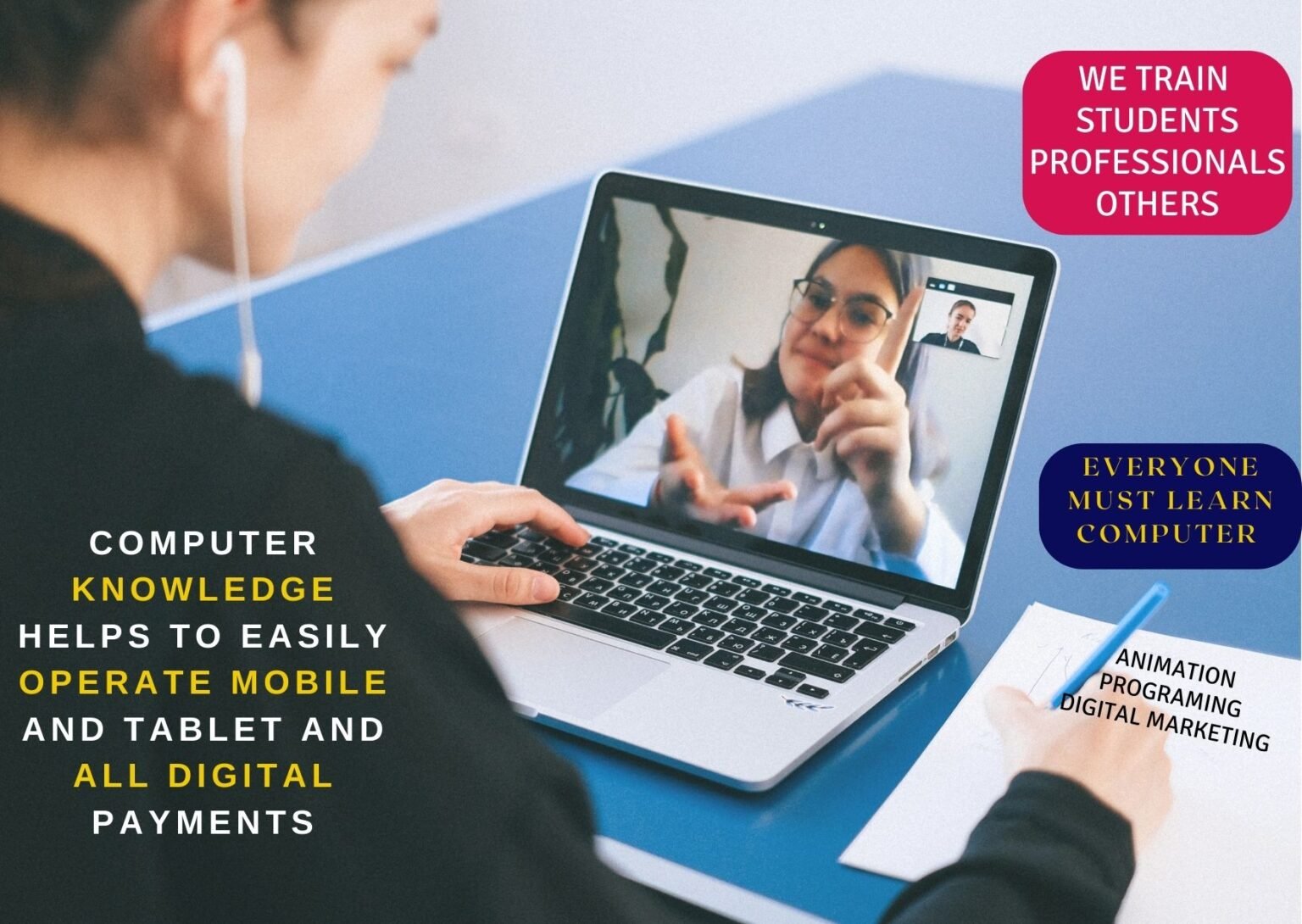
Computer basic knowledge is indeed essential in today’s world, given the widespread use of technology. Here are some fundamental concepts that everyone should be familiar with:
Hardware and Software:
- Understand the difference between hardware (physical components like the CPU, RAM, and hard drive) and software (programs and applications).
Operating Systems:
- Know how to use basic functions of popular operating systems like Windows, macOS, or Linux.
File Management:
- Learn how to create, organize, and manage files and folders.
Basic Troubleshooting:
- Know how to troubleshoot common computer issues, such as restarting the system, checking connections, and using basic diagnostic tools.
Internet and Web Browsing:
- Understand how to connect to the internet and use web browsers effectively. Learn about search engines, bookmarks, and basic online security.
Email:
- Know how to create, send, receive, and organize emails. Be aware of email etiquette and security.
Word Processing and Spreadsheets:
- Have basic skills in using word processing software (e.g., Microsoft Word) and spreadsheets (e.g., Microsoft Excel or Google Sheets).
Basic Security Awareness:
- Understand the importance of passwords, updates, and antivirus software. Be cautious about phishing and online security threats.
Backup and Data Management:
- Learn how to back up important data and understand the importance of regular backups.
Social Media Awareness:
- Understand the basics of social media platforms, including privacy settings and responsible online behavior.
Basic Coding Concepts:
- Familiarize yourself with basic coding concepts to understand how software is created.
Peripheral Devices:
- Know how to connect and use common peripheral devices such as printers, scanners, and external drives.
Digital Citizenship:
- Be aware of digital etiquette, responsible online behavior, and respecting others’ digital rights.
Updates and Software Installation:
- Understand the importance of keeping software and operating systems up to date for security and performance reasons.
Cloud Computing:
- Have a basic understanding of cloud services and how to use them for storage and collaboration.
Note:- Remember, technology is continuously evolving in the digital landscape. Always update yourself.